This is a creative trend catching on. It’s very simple to do but adds an extra element of character and uniqueness to a design.
Take a look at how to implement this ‘out of the box’ technique and a list of creative websites that are using it.
Setup
First setup your page and graphic. I’m using this graphic.

The HTML for my page is like so:
<div id="container">
<img id="logo" src="logo.png" alt="Lee Munroe" />
</div>
And the CSS looks like this:
body{
background:#999999;
}
#container{
width:960px;
background:#fff;
margin:20px auto;
padding:10px;
}
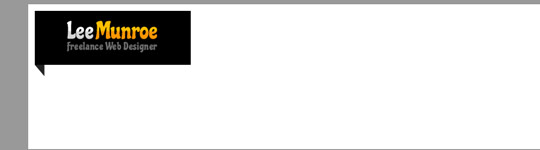
Here’s a preview of what we have so far:
Positioning is relative
When we position the logo we want the positioning to be relative to the container, therefore make the position relative:
#container{
width:960px;
background:#fff;
margin:20px auto;
padding:10px;
position:relative;
}
Position it outside the box
Now all you have to do is position your logo. Place it horizontally so the tag sticks out of the container.
#logo{
position:absolute;
left:-15px;
}
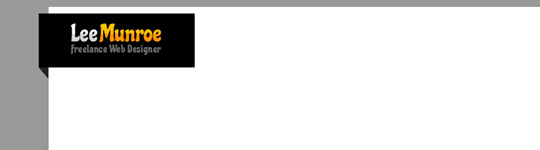
Now we have our logo sitting outside the box. Easy!
15 creative designs using the ‘out of the box’ technique
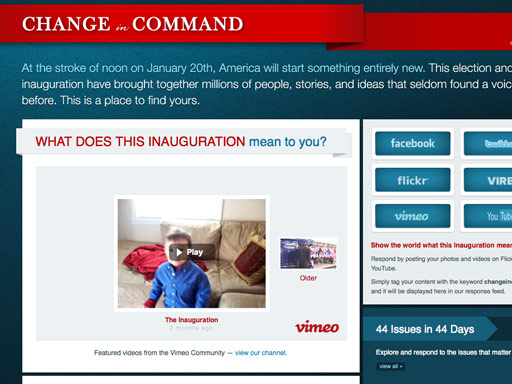
Change in Command
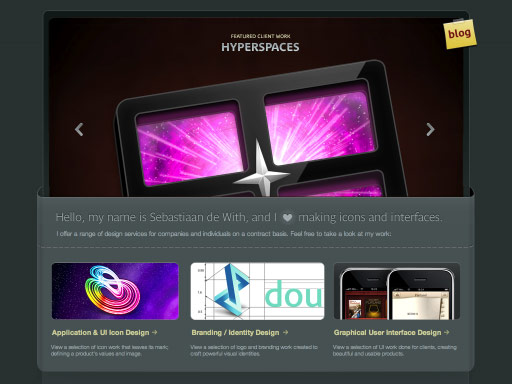
Icon Designer
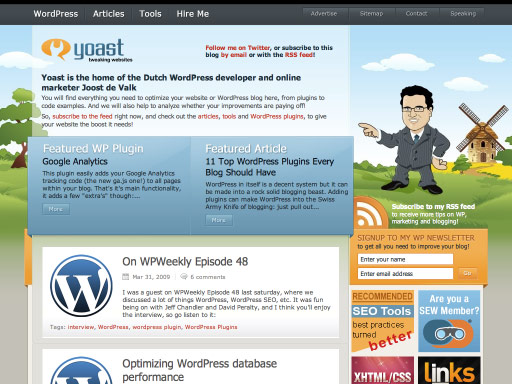
Yoast
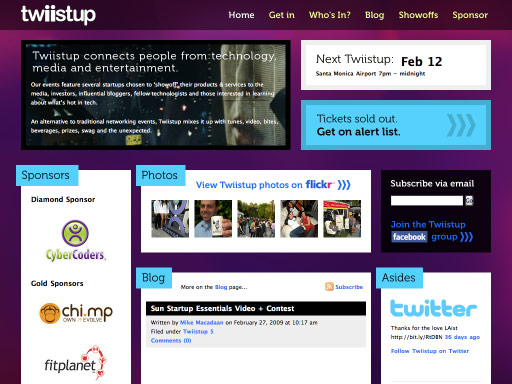
Twiistup
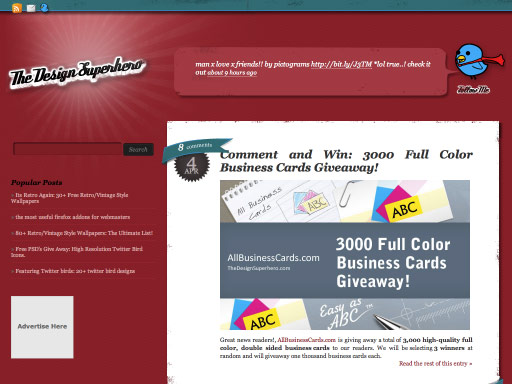
The Design Superhero
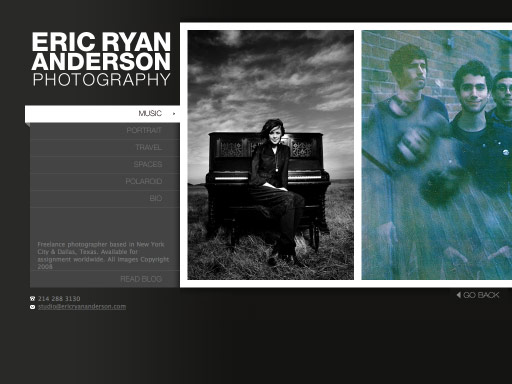
Eric Ryan Anderson
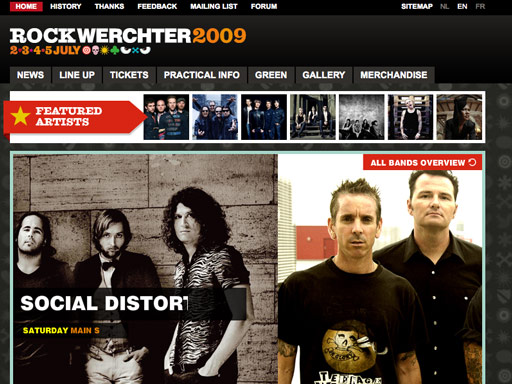
Rock Werchter
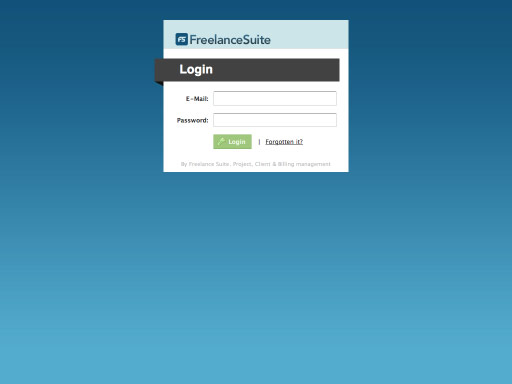
Freelance Suite
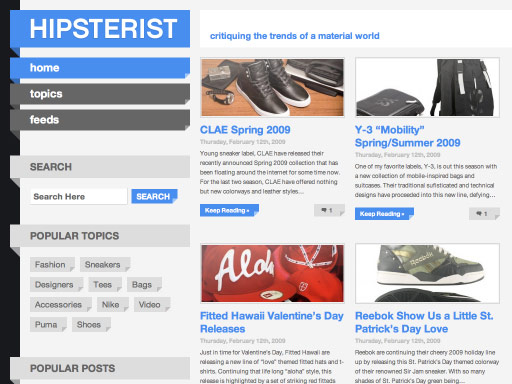
Hipsterist
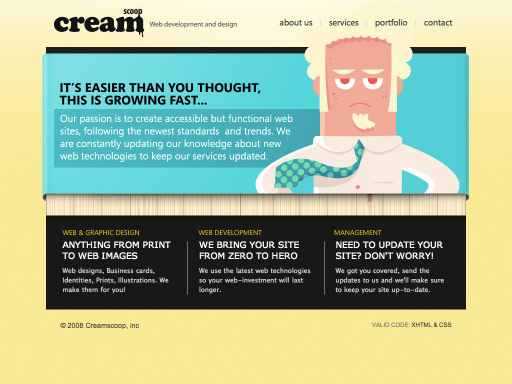
CreamScoop
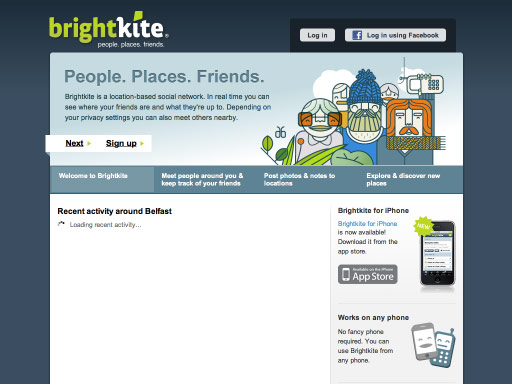
Bright Kite
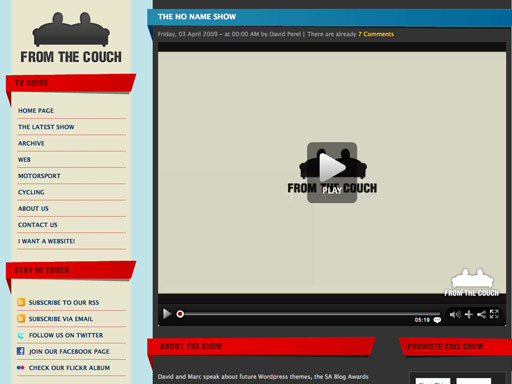
From The Couch
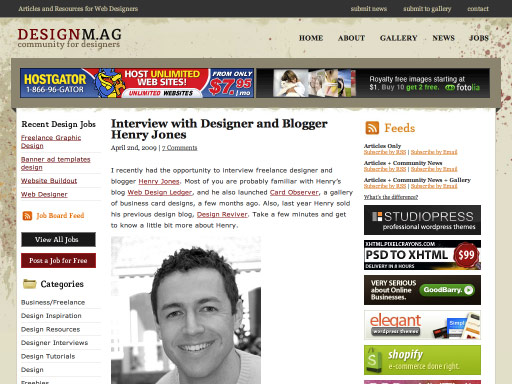
DesignM.ag
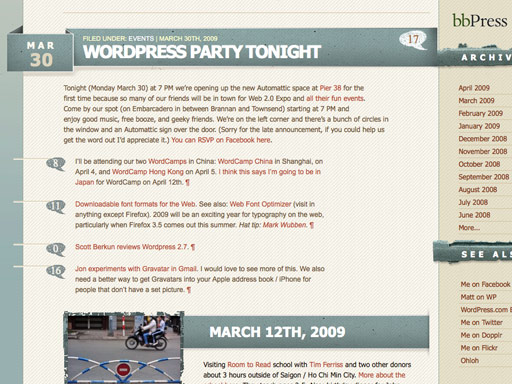
Matt Mullenweg
Feel free to share your thoughts on this and other emerging trends.


Great post Lee.
So simple but so effective,
thanks.
Its a nice technique that really adds depths to a site. I really like the idea of depth being added to something which is traditionally a very flat medium.
I used this idea along with isometric projection as the basis for my new portfolio site design. http://www.stephenreiddesign.com.
Nice effect, wasn’t aware quite how far it had spread.
Chris Coyer, over at http://css-tricks.com/ has recently implemented something similar.
#logo{
margin-left:-15px;
}
works as well.
Thanks for the tip and the list!
Wow, origami really is the big thing this year.
Nice one, I simply love this style; been trying to achieve the same thing myself!
Hey thanks for featuring my website..
I use position:relative/absolute rater than minus margin.
If overflow is hidden for the parent, minus margin won’t work.
Another list with the same trend here http://www.productivedreams.com/third-dimension-in-web-design/
@3drockz
Excellent and well explained
Thanks for the comments.
@Thijs: Good point, another simple implementation
@Navdeep: Thanks for the link, a few I missed there
Thanks for featuring From the Couch
I am amazed by the designs & techniques posted here. The final effects really very good.
I didn’t realize this was such a big trend. I did something like this for the headers of my sidebar widgets on one of my blogs.
http://saturdaymorningcentral.com/
Great Idea
Great, simple, easy to do tip. Thanks for sharing!
Yea this is a fairly simple yet effective technique to add a bit of depth to a site.
I’d actually designed a version of my own site with the same idea but like all nice looking techniques it isn’t long before a million sites are using it and then it loses it’s appeal.
http://line25.com/ is another good example of escaping the confines of the box but without the triangular shape for depth as you’ve mentioned.
I like this technique definitely - I’ve always done it through images and never quite had it turn out properly. Definitely keeping positioning in mind now.
Great simple tut, and thanks for the other links in the comments.
Some nice examples of this technique
Thanks for sharing, simple but really outstanding
Thanks for the comments guys, hope it’s gave you a few ideas for your next design.
Hi Lee,
Great tips as usual. Will look into this style of design for future work.
simple! thanks for the tip!
Interesting theme Lee, had noticed a couple of these subtle new ways of bringing depth to a site. Not exactly a trend but I’ve noticed a lot of sites involved with green energy, organic foods and so on are using cardboard (recycled hopefully!) mashed up paper textures and lots of shades of green to create a hand made look to the sites to reflect the values of using recycled resources.
On the general design front these advances are quite fascinating. Since Web 2.0 it seems there has been a drive to create not just space in site designs but also an illusion of depth. This interests me as someone on the cusp of Web and Print design, as say for example if you were to use gradients, they don’t necessarily translate well to print. The ever expanding dimensions in web design make it an interesting challenge to keep branding relevant to the medium but also consistent across the board.
Of course as with everything it would be cool to hear peoples reasoning behind using these elements and if there is a concept to back it up or if it’s another beautification style.
Excelente!!!
Gracias por compartir lo que haces!
Great article, I found I had about 50 tabs opened up by the time I finished reading. Looks like I’ve got some more reading to do…
@Steve D: Interesting points, yeah I think a lot of web trends are currently being inspired by print. Maybe that is the direction Web 3.0 will take. No more gloss, reflections or gradients, but instead minimal clean designs with white space and great typography.
Yeah I agree Lee. I feel there is a lot more in simplifying to come. As screens get bigger, and the internet gets faster, I can see many more sites using large format photography interspersed with minimal elements. If you have a great looking product to sell, this can create a *want* moment for the user of the site. I’m imagining things like the Apple website on a launch day with a simple but beautiful full screen filling shot of a product with the rest of the info maybe hidden until you click something.
Thank you … this tutorial has me very helped.
Thanks! Ive previously just been using images to do this but this seems to be more effective and easier to achieve than i would have first thought! Really loving the work.
great.. it’s really useful. thanks for sharing.
Thanks, Good work:)
Wow, that has me very helped.