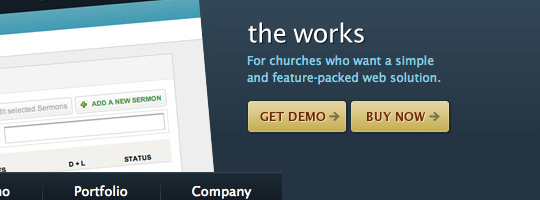
Call To Action Buttons

Call to action buttons are the buttons that you, as a web designer, want all your users to click on when they land on your page. Usually they’ll be a link to a download, signup or sale.

Seth Godin (The Big Red Fez) calls them bananas and your users are the monkeys. The objective is for the monkey to find the banana in less than 3 seconds (before they give up and leave). “Force yourself to design each and every page with one and only one primary objective. That’s the banana. Make it big. Make it blue (or red). Make it obvious.”

This post discusses how to design the perfect ‘call to action’ button and showcases 30 examples of good call to action button designs.

How to design the perfect call to action button

Force yourself to design each and every page with one and only one primary objective. - Seth Godin

Your call to action button needs to be obvious and jump out at the user. Here’s 5 characteristics of a good call to action button.

1. Colour

The colour should stand out from the rest of the page, and is therefore usually a brighter, contrasting colour.

Colour
2. Location

It should be located where the user would expect to find it easily. Above the fold, beside a product, in the header, top right navigation; it should be obvious and not hard to find.

Location
3. Language

The language you use to communicate with your user is important. It should be short, to the point (no waffling) and should start with an action verb like signup, download, create, try etc.

And give the user a reason to click on your call to action button, ‘free‘ being the number one incentive.

Language
4. Size matters

To make it obvious that it’s your most important button and that you want users to click on it, make it bigger than any other button and give the user as much area as possible to click on.
Size
5. Room to breathe

Your button shouldn’t be overcrowded with other elements. It needs sufficient margins so it can be distinguished and the text needs enough padding so it’s easy to read.

Room to breathe

Showcase of good examples of call to action buttons

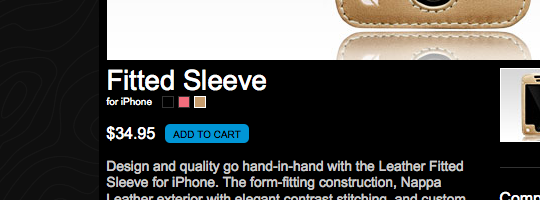
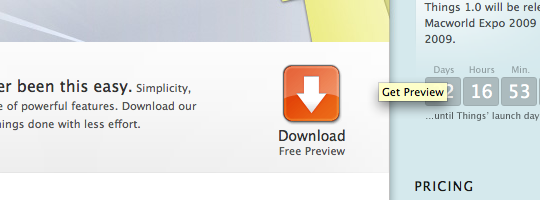
1. Things
Things
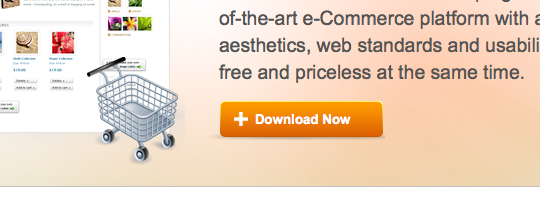
2. WordPress e-Commerce
Wordpress e-Commerce
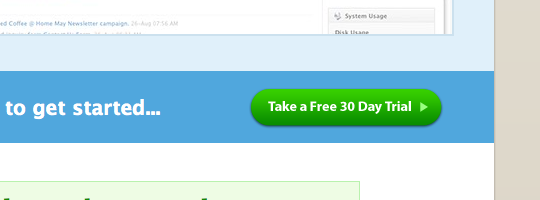
3. Skype
CM Capture 3.png
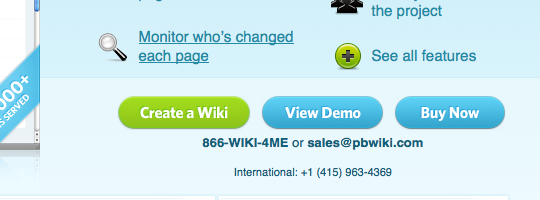
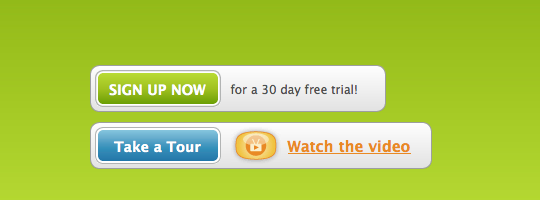
4. PB Wiki
PB Wiki
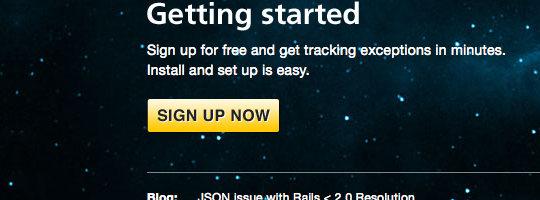
5. Exceptional
Exceptional
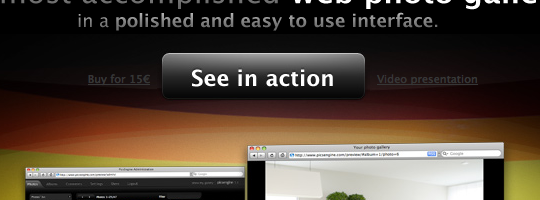
6. PicsEngine
PicsEngine
7. InCase
InCase
8. GoodBarry
GoodBarry
9. Plan HQ
Plan HQ
10. TypePad
TypePad
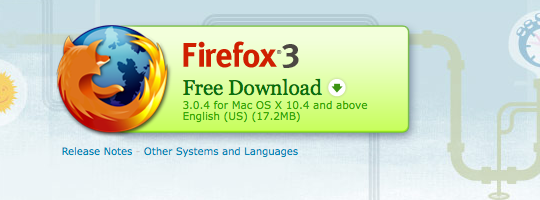
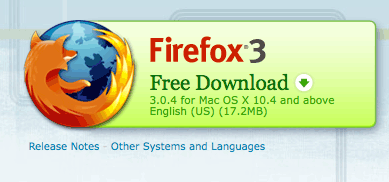
11. Mozilla Firefox
Mozilla Firefox
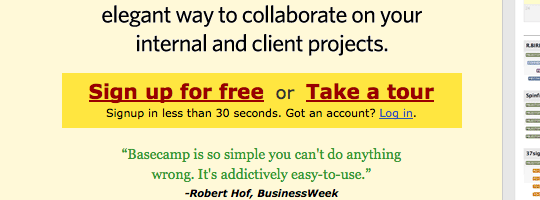
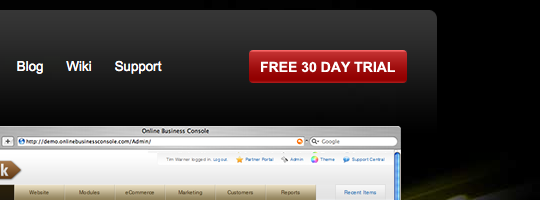
12. 37 Signals
37 Signals
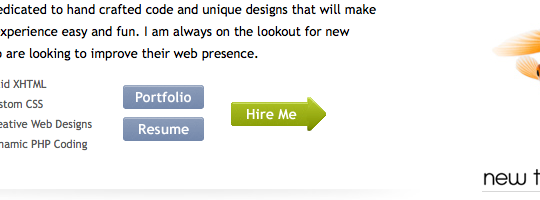
13. Hambo Design
Hambo Design
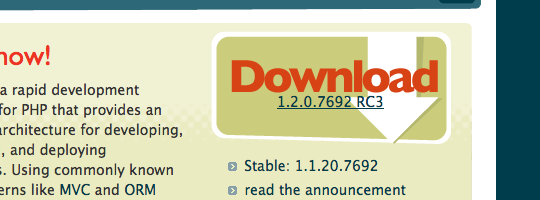
14. Cake PHP
Cake PHP
15. Traffik
Traffik
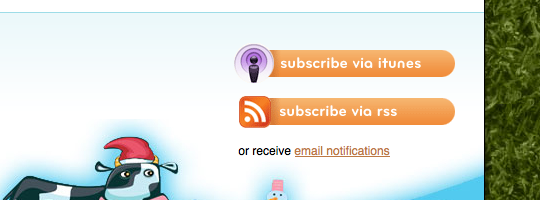
16. Boag World
Boag World
17. Donor Tools
Donor Tools
18. Luke Larsen
Luke Larsen
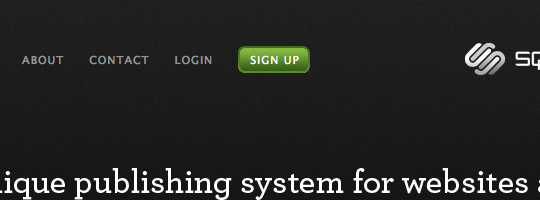
19. Square Space
Square Space
20. Wu Foo
Wu Foo
21. Barack Obama
Barack Obama
22. Freshbooks
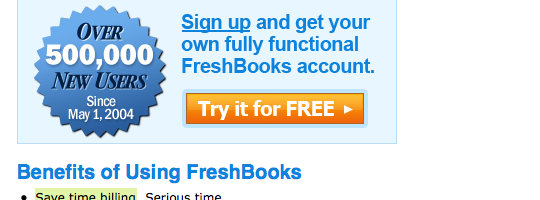
Freshbooks
23. Crazy Egg
Crazy Egg
24. Web Notes
Web Notes
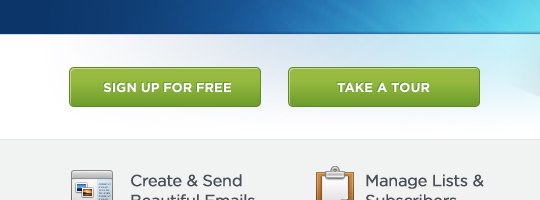
25. Campaign Monitor
Campaign Monitor
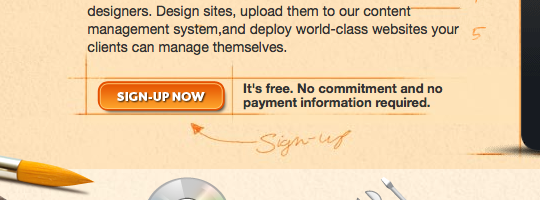
26. Light CMS
CM Capture 26.png
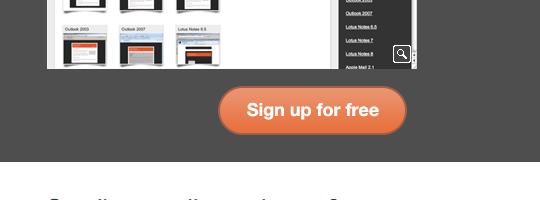
27. Litmus
Light CMS
28. Stumble Upon
Stumble Upon
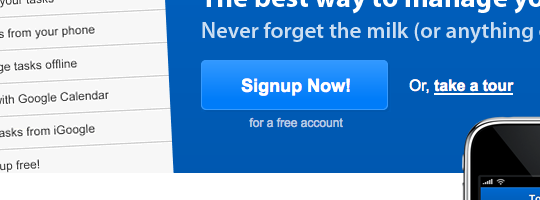
29. Remember The Milk
Remember The Milk
30. Ekklesia 360
Ekklesia 360

Further reading

Any other pointers you like to offer or any other good examples you know off, please share them in the comments below.

Sponsored link: Excellent printing brochures available at PsPrint.

Related articles


127 Appreciated Comments

  1. On the , Andy Sowards said:

    Great Article Lee, You really hit the nail on the head with this one. I HATE going to sites that I have every intention of wanting to try out, but I can’t find the “Register” Button if its a service like twitter, or I can’t find the freaking “Download” Button if its a new software. People should definitely heed this advice! Nice collection of call to action buttons as well ;) This is like a 2 in 1 post! Great job.

  2. On the , Curvball said:

    Nice collection Lee. Call to Action elements are vital to good design and in converting users. Some great examples with one of my favourites being Square Space. It sits perfectly within the main navigation.

  3. On the , Ryan Coughlin said:

    Great collection Lee, some i have never even seen or heard of and there buttons are nice, its great to see the different ways of putting together a button from site to site.

    Nice work!

    Ryan

  4. On the , Dan Milward said:

    Hi Lee. Thanks for linking to the WordPress e-Commerce Plugin. Our buttons were developed by our friend Nick La from N Design Studio.

    Ciao,

    Dan

  5. On the , Lee said:

    @Andy: Very true, it would be good to hear of any bad examples

    @Curvball: Square Space has a great contrast button

    @Ryan: Glad you liked it

    @Dan: No problem, was recently checking out WordPress e-Commerce and it’s a fantastic plugin

  6. On the , Steven Hambleton said:

    Hi Lee!

    Thanks for featuring our site, we are in good company there.

  7. On the , garaj kapısı said:

    Hi Lee,

    Thanks for this collection.

    Garaj Kapısı

  8. On the , Veera said:

    The “call” text to “action description” text change is small but it is more usable in the user point of view.

    Good post.

  9. On the , Dan said:

    Great choices. A shiny call to action button is so much more effective then a boring Click Here text link.

  10. On the , Simon Vallee said:

    Useful article – thanks! Some of the best call to action buttons that I’ve seen are from metalabdesign.com’s work.

  11. On the , frank katzer | 1klang.de internetagentur said:

    very useful collection of those call-to-action-buttons!
    i think webdesigners should reconsider the usual way of desgigning website navigation. those buttons shorten the way to the destination of 95% of the website visitors. the “old-fashioned” navigation gets less important [ i don't say that it's needless ].

  12. On the , David Leonhardt said:

    Hi Lee. This is a superb overview of a very small but crucial design element. I like especially the pull-out quote from Seth Godin about deciding on a single goal for a page. Sometimes that s very hard, especially when you know your visitors come for a number of reasons, and especially on the home page where you have to address those multiple interests. Ultimately, the home page of a complex website has a single purpose – triage. That can make it challenging to decide how to handle call-to-action buttons.

  13. On the , Carlos Hermoso said:

    Hi,

    great post about call to action buttons. I really liked it.
    Nice collection of sites using call to action buttons too

  14. On the , Salwa said:

    Thanks for the great list!

  15. On the , Outlet said:

    Thank you for cool tips. I will think about improving my buttons.

  16. On the , Navdeep said:

    Very good collection.

  17. On the , max said:

    Hi – thanks for the article – I’ll have it as a reference to design the buttons on a new app I’m launching next month ( http://www.myows.com )

  18. On the , Farid Hadi said:

    Hey Lee,

    Interesting topic you chose to write about. Thanks.

  19. On the , Peter Schaefer said:

    This has been a very useful blog post.

    Thank you,
    Lautus Design

  20. On the , David Hamill said:

    Nice article Lee. In many cases it should appear both above and below the fold. Take an insurance quote for example. The user should be given the ‘get a quote’ button at the bottom if they’ve been reading all of the policy details.

  21. On the , Sean Landry said:

    Great post. I sometimes call these “single action” buttons as well if there is only one action for the user to take on that page. The FireFox page is a great example.

    From a usability standpoint most of these examples work well. From a value proposition most of them fail. Too many sites use labels like “Register now” or “Create an account”. Unfortunately these don’t convey value to the user. Alternatively “Connect with friends” and “Start browsing faster” are better value propositions which will convert more users.

  22. On the , Francisco Costa said:

    Great compilation of buttons, very inspiring!

  23. On the , DK @ Arnima Design said:

    Excellent collection!
    Thanks
    DK

  24. On the , Website Design said:

    Great tips and resources.This is looking so good.
    Thank you Sir.

  25. On the , Timothy said:

    Wow! Great post! Really useful. And refreshing. I’m used to the same old list-posts, but this one was a good find.

    Delicioused

  26. On the , Lee said:

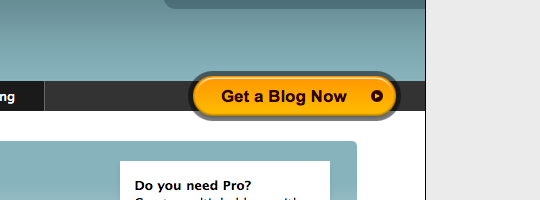
    @Sean: Great point. If you can convey what the product is or what the user is getting from clicking on the button then you’re flying. ‘Get a blog now’ or ‘Get a no-obligation quote’ are also good examples of this.

    @Everyone: Glad you all enjoyed the post and have found it useful.

  27. On the , hubs said:

    lots of copy and pasting of buttons.. err i mean bananas.

  28. On the , preaxz said:

    You rock!

    Hmm .. I got a lot of idea on how to design my websites from your articles. Great job lee!

  29. On the , Southern California website design said:

    I like your action buttons design, I’m impressed with it.
    Thank you for the useful tips you’ve shared to us.

    -faith-

  30. On the , Miracle Studios web design company said:

    I love call action style of “Skype”

  31. On the , geng said:

    nice article

  32. On the , Geoserv said:

    Great tips, looks like I need to make some for my blog.

  33. On the , ChiangMaiWebDesign said:

    Great post, thank you.

  34. On the , Denizli Rehberi said:

    Thank you great post

  35. On the , Mag Studios said:

    Hi there so much informative tips for button design and it’s really worked for website design and helpful for Designers.

    Thnaks
    Mag Studios

  36. On the , www.cyberdesignz.com said:

    Hi,
    This is a nice post and great thing to learn.

  37. On the , website design Southern California said:

    I really like this site. i’m impressed. Your action buttons makes me impress so much. thank you for the post, I always view your site.

    -faith-

  38. On the , Laurens said:

    Interesting post, thanks! I like the firefox one..size en style!

  39. On the , add said:

    Much of the examples are a little wrong. They have 2 buttons with the same weight so user can’t distinguish a primary action.

  40. On the , Listorbit said:

    very interesting web analytics tools are superb.

  41. On the , Karel Zeman said:

    You have select a very unique topic. People usually don’t pay any attention to it. We usually pay attention to design and interface. Thanks for nice collections of buttons. This will helps us web designer like me.

  42. On the , Shiju Alex said:

    Good collection.
    Typography could also be a parameter.

    By the way, has anyone felt that those ‘Sign up now’ and ‘create an account’ buttons on Google services can be greatly improved?

  43. On the , Eugenio Grigolon said:

    Wow! Nice work Lee, thanks for sharing this with us!

  44. On the , Ronnie Roper said:

    This is often overlooked by most websites, not the good websites. Its amazing to me how many people have such bad calls to action, or lack there of. Thank you for putting this list together.

  45. On the , Judd Exley said:

    Awesome post and I the only thing that I love more than you listing out some examples and showing a snippet is that I KNOW two of those guys! One’s a kiwi and the other Aussie and I think it’s totally cool that they made it on such a distinguished list.

    Good stuff though, I’m keeping this link and showing it to client’s from now on when they ask me about why their conversions are low.

    Cheers!

  46. On the , Dan Milward said:

    If I’m the Kiwi… who is the Ausie? :)

  47. On the , Website Design Company said:

    Great Post. Call to action button is the weapon to sell the products / services. This post really guide the web developers to make the things clear. Thanks :D

  48. On the , TraiaN said:

    Lee,

    This is an awesome collection of call to action buttons. These kind of buttons have a strong impact on people actions on web pages.
    Although not directly related to the design, I have wrote a post about a technique, called dynamic text on call to action buttons which some of your blog readers will find it useful. Cheers.

  49. On the , Nycteris said:

    What a great article! Thanks!

  50. On the , Dallas Web Design said:

    Making the important stuff easy to find in any web design is often over looked by designers focusing more on look than function. I mean a website has a purpose for most and designing it to achieve the best results for that purpose are very important. Anyway good stuff and thanks for the read!

  51. On the , Jack said:

    I personally like the Firefox on. Yes it seems to be bigger than the rest but it has the perfect balance between advertisement and information.

    Have you noticed it seems to be all about the rounded corners?

    Great list you have Lee,

    Thanks again.

  52. On the , Jonathan Roye said:

    This is a great article.

  53. On the , john said:

    Getting a great buzz from this list – fair dues Lee

  54. On the , Ben said:

    Hi,

    Interesting post – thanks! I run a bespoke website design and development copmpany and will take your comments on board!

    Ben

  55. On the , Karen said:

    Thank you for the ideas. I was looking for “buy now” icons for one of my sites, and I came to your site through “smashing magazine”. I got a lot more ideas from reading your post, and can clearly see how I can choose a more interractive and eye catching “call to action” button than I had originally planned on. Thanks again.

  56. On the , Elijah said:

    great article, i’m working on a free quote button to place on my site, but i just cant find anywhere to place it where it can be effective and still attractive.

  57. On the , Doug said:

    most of those button designs are quite boring…

  58. On the , web design philippines said:

    Good article though some of the buttons were not that attractive.

  59. On the , rajnish said:

    this is amazing concept for all the designers and also it could be a great business generating tool too.so i like it
    a href=”http://wwwibowtech.com”>IT provider

  60. On the , JP said:

    Weird…out of the 30 examples, 15 of them use green buttons and 10 use orange. Is that a personal preference of yours? ie. the reason you chose them as examples? Or is that just a current trend?

  61. On the , henrylow said:

    Small Business owners are largely forgotten. Thats why I only focus on them. I have experience several members of my family file bankruptcy due to small business failures. I also I suffered through 2 destroyed businesses due to failure however, in my failings I have learned some of the secrets to success. (Who can say they know it all?)

    onlineuniversalwork

  62. On the , Gary said:

    I found this blog when searching for call for action websites and was greatly surprised with the effort you put in to this! Thanks for the help. It not just about pretty websites but ROI of your marketing dollars.

  63. On the , Dale Berkebile said:

    This is a great selection and resource of different Call to Action Buttons. Being that this is an important part of converting customers to leads it is good to have a better understanding of what people are doing and what is working. Thanks for posting this.

  64. On the , Sherwin Shine said:

    Hi

    Nice article and Great collection Lee. I find this article very useful. These call to Action Buttons really works in converting customers.

    Sherwin

  65. On the , Veteran Biler said:

    The color and size is probably the most important factor here. And the “keep it simple”-princip. I wouldn’t like to press a button with to many words in it. You must know what you’re clicking on without reading too many words.

  66. On the , Riley S. said:

    Thanks for the collection of call to action buttons. Unfortunately, a lot of them seem to use muted colors that don’t draw enough attention. I’d be curious to see how well they stand out on their respective web pages.

  67. On the , agence web annecy said:

    Great post with many examples, will be useful to ensure my next conversion rate, thx a lot

  68. On the , Linda Mitchell said:

    Thanks for the insight to capturing my audience quick!

  69. On the , SitePunk said:

    Great post, thanks! I love the examples – they give alot inspiration for actionbuttons! Keep up the good work.

  70. On the , Acme Infosoft India said:

    thanks for Great post
    awesome collection for buttons

  71. On the , purple cocktail dresses said:

    Pretty Useful Info Here. Btw, I Think I Read A Especially Similar Article On Another Blog Today, In Fact I’m Pretty Certain. I ‘ll Check It Out And Let You Know, Maybe They Copied Your Content, Who Knows.

  72. On the , pranav said:

    Wow what a collection of buttons! Thanks Lee for such a wonderful and informative collection.

    I agree with you, for button, size does matter, it makes great impact on the functionality for which button is created.

  73. On the , Tomm said:

    Its really awesome collection i learned much much thing from this post

  74. On the , Konstantin said:

    Hi Lee! This is a great article.

    Thanks for featuring our site, we are in good company there.

  75. On the , Gerard Peters said:

    This article truly make sit clear how to present a irresistible call-to-action. Nicely done. Thank you.

  76. On the , Indovacations said:

    Very Nice and informative post. The examples are very nice.

    Thanks for the post.

  77. On the , Trimite SMS Gratis said:

    Great post, I look forward to reading more articles like this one. Some of the buttons inspired me for the design of the CPA button from my page.

  78. On the , sex shop said:

    You completed various good points there. I did a search on the topic and found mainly persons will have the same opinion with your blog.

  79. On the , Clarence said:

    I like this web site as well as have saved as a favorite it. I‘ll look for read in particulars on my trip

  80. On the , Claude said:

    Found you web site by using digg I must say I m impressed with the content!

  81. On the , discount oem autocad said:

    Subscribed to your blog, thanks
    http://technolographics.com/

  82. On the , Katie said:

    This is what I was looking for! Was a little stumped on a button design, now I have some ideas on how to spice it up.

  83. On the , Larry Bloodworth said:

    Lee,
    Thanks for the tips. While it may seem like common sense in text, the examples really show the ‘how-it-looks-in-action’. Thanks ever so much.

  84. On the , Siju George said:

    Nice Tips. I really understand the importance of call to action buttons made odd. If a potential user failed to find the necessary button it is the fault of the designer and may loose one business.

  85. On the , Website Design said:

    Nice Article Lee.
    Awesome Collection for buttons and it also very useful when it come to design a website.Really a good example thanks for the post

  86. On the , Key Tags said:

    Using bold colors are always good for call to action buttons because it draws the eye towards the button.

  87. On the , custom plastic cards said:

    Where to put the call to action also matters a lot. I’m peeved by sites where you buy and then struggle to find where the buy button is and if it really is the buy button because they’re using confusing words.

  88. On the , Baby Games said:

    Some beautiful buttons can make your site more attractive.

  89. On the , website design professional said:

    Very informative . I really like this post.

  90. On the , Web Dizajn said:

    Nice design..thanks for sharing.. very useful for me

  91. On the , Santosh said:

    Hey Lee,

    I really like this post, fantastic. I am awaiting for the next article to continue of seeing this blog again and again.

  92. On the , Arun said:

    Nice Post on Call To Action Buttons, thanks for the post. Will expect more on this blog.

  93. On the , Sean A said:

    This is a great overview and set of examples on great call to action examples. You definitely know what you are writing about. Your basic guidelines are spot on well done.

  94. On the , Website Developers said:

    This is a great help for those beginners! Thank you for sharing this! :)

Have a comment? Tweet @leemunroe and I'll be glad to respond.